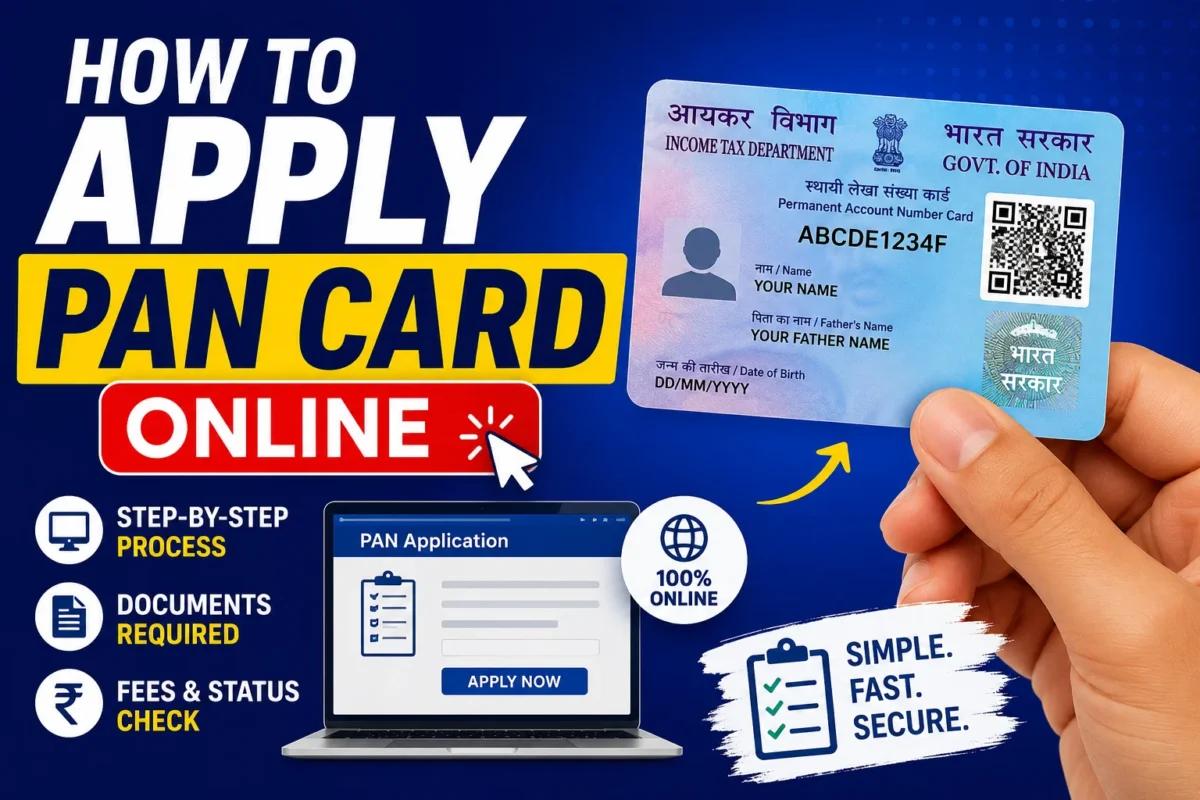
How to Apply PAN Card Online in India:- There’s a point in almost every adult Indian’s life when someone asks for your PAN number and you realize you don’t have one yet. Maybe it’s a bank account opening, a job joining formality, a mutual fund investment, or a property transaction. Whatever the trigger, the need tends to feel urgent the moment it arrives.
The good news is that applying for a PAN card online has become genuinely straightforward — no agents required, no long queues at government offices, and in many cases no physical paperwork either. If your Aadhaar is in order, the entire process can be completed from your phone in under 20 minutes.
This guide covers everything: what PAN is, who needs it, what to keep ready, and exactly how to apply through the official portals.
What Is a PAN Card?
A Permanent Account Number is a unique 10-character alphanumeric identifier — something like ABCDE1234F — issued by the Income Tax Department of India. Every PAN is unique to one person or entity and stays the same for life, regardless of where you live or work.
The primary purpose is tax-related: PAN allows the Income Tax Department to track financial transactions, link income sources, and monitor tax compliance. But over the decades it’s evolved into something much broader — one of India’s most widely accepted identity and financial documents, required for transactions well beyond just tax filing.
Where Is PAN Required?
The list is longer than most people realize:
Banking and Finance
- Opening a savings or current account
- Applying for credit cards
- Fixed deposits above ₹50,000
- Cash deposits above specified limits
- Applying for loans — home, personal, vehicle, business
Investments
- Buying or selling mutual funds
- Trading in stocks and securities
- Purchasing bonds or debentures
- Opening a demat account
Property Transactions
- Buying or selling property above ₹10 lakh
- Paying rent above ₹1 lakh per year (for TDS purposes)
Income and Business
- Filing Income Tax Returns (ITR)
- Receiving salary above the basic exemption limit
- Starting a business or registering a company
- Receiving professional fees above specified thresholds
Other Uses
- KYC verification for financial services
- Foreign exchange transactions
- Applying for government tenders
- Insurance premium payments above specified limits
If you’re an earning adult in India — or planning to become one — PAN isn’t optional. It’s foundational.
Who Can Apply for a PAN Card?
PAN is not just for salaried individuals filing tax returns. The following can all apply:
- Indian citizens — individuals of any age
- Students above 18 — even without income, PAN is useful for banking and investments
- Minors — parents or guardians can apply on behalf of children; useful for certain investments and accounts
- Non-Resident Indians (NRIs) — required for Indian financial transactions
- Foreign citizens — for those with financial dealings in India
- Companies — every registered company needs a PAN
- Partnership firms, trusts, and organizations — any entity with financial transactions in India
There’s no income threshold for applying. You don’t need to be earning or filing returns to get a PAN — you just need to exist in the Indian financial system in some capacity.
Documents Required
The documents you need depend slightly on your applicant category, but for most individual Indian citizens:
Identity Proof (any one)
- Aadhaar Card
- Passport
- Voter ID
- Driving Licence
Address Proof (any one)
- Aadhaar Card
- Passport
- Utility bill (electricity, water, telephone — recent)
- Bank account statement
Date of Birth Proof (any one)
- Aadhaar Card
- Birth Certificate
- Passport
- Class 10 Certificate
Other Requirements
- Passport-size photograph (where physical submission or photo upload is required)
- Signature (scanned, on white paper)
For most individual applicants using Aadhaar-based e-KYC, the Aadhaar card alone serves as identity, address, and date of birth proof simultaneously — which is why the process has become significantly simpler in recent years.
The Two Official Portals — Which One to Use?
PAN applications are processed through two government-authorized service providers. Both are equally valid:
Protean eGov Technologies (formerly NSDL)
The older and more widely used of the two. Handles the majority of PAN applications in India.
UTIITSL (UTI Infrastructure Technology and Services Limited)
The second authorized portal. Offers the same service with a slightly different interface.
Both portals offer the same outcome — a valid PAN issued by the Income Tax Department. The choice between them is largely a matter of personal preference or which portal is working more smoothly on the day you apply. If one is experiencing technical issues, try the other.
Applying for a PAN Card Online — Step by Step
Step 1: Go to the Official Portal
Open either:
- Protean PAN portal: onlineservices.protean-tinpan.com
- UTIITSL portal: pan.utiitsl.com
Type the URL directly — don’t use links from WhatsApp forwards or unofficial websites. PAN-related fraud is common, and fake portals collect your documents and money without processing anything.
Step 2: Select New PAN Application
Look for the “Apply for New PAN” option. You’ll then choose your applicant category:
- Individual — for most personal applications
- HUF (Hindu Undivided Family)
- Company
- Partnership Firm
- Trust
- NRI or Foreign Citizen
Select the category that matches your situation. Most readers will select Individual.
Step 3: Choose Your Verification Method
For individual applicants with a valid Aadhaar, the recommended route is Aadhaar-based e-KYC. This pulls your details automatically from the UIDAI database and completes identity verification digitally — no physical documents need to be sent anywhere.
If you prefer a paperless, physical-card-free option, you can also apply for an e-PAN only — a digitally signed PAN in PDF format, valid for all purposes, typically delivered to your email within a few days.
Step 4: Fill in Your Personal Details
Work through the form carefully:
- Full name — exactly as it appears on your Aadhaar
- Date of birth — matching your Aadhaar and birth certificate
- Father’s name — as in official records
- Mobile number — active number for OTP communication
- Email address — for correspondence and e-PAN delivery
- Aadhaar number — for e-KYC verification
- Address — current residential address
Name spelling is the most common error at this stage. Enter your name exactly as it appears on your Aadhaar — including initials, expanded names, and spelling. A mismatch between your PAN application and your Aadhaar creates verification issues that slow down processing.
Step 5: Upload Documents
Upload scanned copies of your supporting documents — identity proof, address proof, date of birth proof, photograph, and signature.
Before uploading:
- Ensure every document is clearly readable — no blur, no shadows, no cut edges
- Check file formats and sizes against the portal’s specifications
- Confirm that the information in your uploaded documents matches what you’ve entered in the form
Poor quality uploads are one of the most common reasons for application delays. A five-minute effort to get clean scans saves a week of waiting.
Step 6: Aadhaar-Based e-KYC and e-Sign
If you’ve chosen the Aadhaar e-KYC route:
- Enter your Aadhaar number
- An OTP is sent to your Aadhaar-linked mobile number
- Enter the OTP to complete identity verification
- For e-Sign (electronic signature), another OTP confirms your authorization
This step replaces the need to physically sign and mail application documents. The entire verification happens digitally in real time.
Step 7: Pay the Application Fee
The fee depends on two factors — whether you want a physical PAN card delivered or only an e-PAN, and whether your communication address is within India or abroad:
| Application Type | Approximate Fee |
|---|---|
| e-PAN only (Indian address) | Lower fee |
| Physical PAN card (Indian address) | Moderate fee |
| Physical PAN card (foreign address) | Higher fee (includes international delivery) |
Check the current fee on the official portal at the time of applying — fees are occasionally revised. Payment methods include UPI, debit card, credit card, and net banking.
Wait for payment confirmation before closing the browser. Payment failures during network interruptions are a known issue with government portals — if your payment seems to go through but you don’t receive confirmation, check your bank statement before attempting to pay again.
Step 8: Submit and Save Your Acknowledgement
After successful payment, your application is submitted and you receive a 15-digit acknowledgement number. This is your reference for everything that follows — status tracking, delivery tracking, any follow-up queries.
Download and save the acknowledgement immediately. Print a copy if possible. Don’t assume you’ll be able to retrieve it later from your email without searching.
Tracking Your PAN Application
Once submitted, you can track your application status on the same portal using your acknowledgement number. The status moves through stages — received, under processing, PAN generated, dispatched — and the portal shows where things currently stand.
For physical PAN cards, tracking typically shows the courier details and expected delivery timeline once the card is dispatched.
How Long Does It Take?
| PAN Type | Typical Timeline |
|---|---|
| e-PAN (digitally signed PDF) | 2–5 working days after application |
| Physical PAN card (Indian address) | 10–15 working days after processing |
| Physical PAN card (foreign address) | Longer, depending on international delivery |
These are typical timelines under normal processing conditions. During high-volume periods — around tax filing deadlines, for instance — processing can take longer. Apply well ahead of when you actually need the card.
e-PAN vs Physical PAN Card — Which Should You Choose?
This is a question worth thinking through before applying:
e-PAN (Digital)
- Delivered to your email as a digitally signed PDF
- Legally valid for all purposes — same as physical card
- Available faster — typically within a few days
- Free or lower fee in some cases
- Can be printed if a physical copy is needed
- Useful if you need PAN urgently
Physical PAN Card
- Delivered by post to your registered address
- The traditional laminated card
- Takes longer to arrive
- Some people still prefer having the physical card for certain contexts
For most practical purposes, an e-PAN is sufficient. Banks, employers, and most institutions accept it. If you need PAN urgently for a time-sensitive transaction, apply for e-PAN rather than waiting for the physical card.
Instant e-PAN Through the Income Tax Portal
There’s a faster route worth knowing about if you have a valid Aadhaar with your mobile number linked: the Instant e-PAN service on the Income Tax Department’s portal (incometax.gov.in).
This service:
- Is completely free
- Generates an e-PAN almost immediately using Aadhaar-based verification
- Requires only your Aadhaar number and the linked mobile number for OTP
- Is available 24/7
The only limitation: it’s for individuals only and requires a valid, mobile-linked Aadhaar. If you meet those conditions and need PAN quickly, this is the fastest legitimate route available.
PAN Card Correction or Update
Already have a PAN but need to correct details — a name change after marriage, an address update, a date of birth correction? The process uses the same portals (Protean or UTIITSL) but under “Changes or Correction in PAN Data” rather than “New PAN Application.”
Common corrections people request:
- Name change (including after marriage)
- Date of birth correction
- Address update
- Father’s name correction
- Signature update
- Photograph update
The correction process requires supporting documents for whatever change you’re making — marriage certificate for name change, birth certificate for date of birth correction, and so on.
Common Mistakes That Delay PAN Applications
Name entered differently from Aadhaar
The most impactful error. Your name in the PAN application must match your Aadhaar exactly. Fix: copy from the Aadhaar card rather than typing from memory.
Wrong date of birth
Simple to check, occasionally entered incorrectly — especially when the format (DD/MM/YYYY vs MM/DD/YYYY) is different from what you’re used to. Fix: verify against your Aadhaar before submitting.
Incorrect Aadhaar number
One wrong digit breaks e-KYC. Fix: double-check digit by digit against your physical Aadhaar card.
Blurry or oversized document uploads
Gets flagged during processing and delays your application. Fix: scan in good lighting, check file size against portal specifications before uploading.
Wrong mobile number
OTP communication goes to this number — if it’s wrong, you can’t complete verification. Fix: confirm you’re entering the number linked to your Aadhaar.
Not downloading the acknowledgement
Leaves you without a reference number for tracking. Fix: download immediately after submission before closing the browser.
Applying through fake portals
Results in lost money and stolen documents. Fix: use only the official Protean or UTIITSL portals, or the Income Tax Department portal for instant e-PAN.
Linking PAN With Aadhaar — Don’t Skip This
If you’re applying for a new PAN, it will be linked to your Aadhaar as part of the application process through e-KYC. But if you already have an older PAN that isn’t linked to Aadhaar, this is something to address separately.
The Income Tax Department has made PAN-Aadhaar linking mandatory. Unlinked PANs become inoperative — they can’t be used for financial transactions. If your PAN is already inoperative due to non-linking, you’ll need to pay a late fee and complete the linking process on the Income Tax portal.
Check your PAN-Aadhaar linking status on the Income Tax Department portal if you’re unsure.
Frequently Asked Questions
Can I apply from my mobile phone?
Yes. Both official portals are mobile-friendly. The instant e-PAN option on the Income Tax portal is particularly well-suited to mobile use.
Is Aadhaar mandatory for PAN application?
For most individual applicants, yes. Aadhaar is used for identity verification and e-KYC. If you don’t have Aadhaar, physical document submission is required — the process takes longer.
Can a student without income apply for PAN?
Yes. There’s no income requirement. Students above 18 can apply directly. Parents or guardians can apply on behalf of minors.
Is an e-PAN as valid as a physical card?
Yes. An e-PAN issued by the Income Tax Department is legally valid for all purposes — banking, KYC, investments, tax filing. It’s the same PAN, just in digital form.
Can I have two PAN cards?
No — and this is worth taking seriously. Holding more than one PAN is illegal under the Income Tax Act and attracts a penalty of ₹10,000. If you have duplicate PANs for any reason, surrender the additional one through the official portal.
I applied but haven’t received my PAN — what do I do?
Track your application using the acknowledgement number on the portal. If the status shows dispatched but the card hasn’t arrived after the expected delivery window, contact the portal’s customer service with your acknowledgement number and delivery details.
What if I’ve lost my PAN card?
Apply for a reprint through the Protean or UTIITSL portal under “Reprint of PAN Card.” You’ll need your PAN number — if you don’t know it, you can retrieve it on the Income Tax portal using your Aadhaar or other details.
Is there a fee for instant e-PAN through the Income Tax portal?
No. The instant e-PAN service on the Income Tax Department’s portal is completely free for eligible applicants.
How do I know if my PAN application has been accepted?
The acknowledgement you receive after submission confirms the application has been submitted. After that, track status using the acknowledgement number — when status shows “PAN Generated,” the application has been accepted and processed.
Can NRIs apply online?
Yes, through the Protean or UTIITSL portals. The process for NRIs involves slightly different document requirements — passport is typically the primary identity document. Some steps may require physical document submission rather than e-KYC.
Important: Avoid PAN Card Fraud
PAN-related fraud is unfortunately common — from fake portals that collect application fees without processing anything, to agents who charge inflated fees for a service you can do yourself for free or at the official fee.
Watch out for:
- Fake websites that look like official portals — always verify the URL
- WhatsApp forwards with links to “quick PAN application” services — use only official portals
- Agents charging large fees for PAN applications that cost a few hundred rupees officially
- Calls claiming your PAN is blocked asking for OTP or personal details — the Income Tax Department doesn’t make such calls
The official portals for PAN are:
- Protean: onlineservices.protean-tinpan.com
- UTIITSL: pan.utiitsl.com
- Instant e-PAN: incometax.gov.in
These are the only legitimate routes.
Bottom Line
A PAN card is one of those documents that touches virtually every significant financial decision you’ll make in India — banking, investing, property, tax, business. Getting one is no longer the multi-day, office-visit process it used to be. With Aadhaar-based e-KYC, the online application takes under 20 minutes and the e-PAN arrives within days.
If you don’t have a PAN yet, apply today rather than waiting until you urgently need one — because when you urgently need it, you won’t have the days to wait for processing. And if you already have a PAN, check that it’s linked to your Aadhaar and still operative.
Use only the official portals, enter your details exactly as they appear on your Aadhaar, download your acknowledgement after submitting, and you’re done.
Stay connected with SpotNews Kerala for more guides on government services, financial documents, schemes, certificates, and online applications.