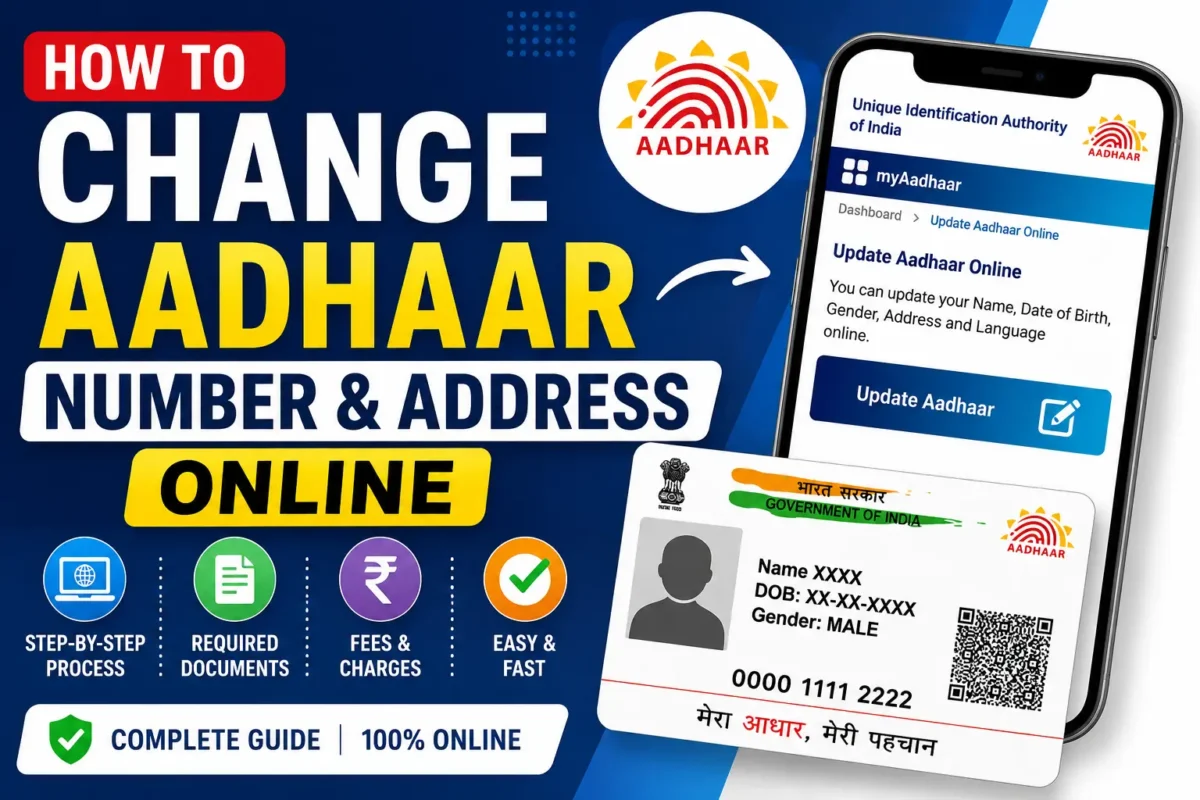
The Aadhaar card is one of the most essential identity documents in India. From opening a bank account to getting a SIM card or availing government schemes, it’s used everywhere. That’s why keeping your Aadhaar details accurate and up to date is so important.
If you’ve moved to a new address, spotted an error in your Aadhaar, or simply need to update your information, UIDAI offers both online and offline ways to make corrections.
This guide covers:
- How to update your Aadhaar address online
- Whether the Aadhaar number itself can be changed
- How to update your mobile number
- Documents you’ll need
- Fees and processing time
- Key tips before applying
Can You Change Your Aadhaar Number?
No. Your Aadhaar number is a permanent 12-digit ID that never changes. UIDAI does not allow you to replace or modify it.
What you can update are:
- Address
- Mobile number
- Name
- Date of birth
- Gender
- Email ID
- Biometric details
How to Update Aadhaar Address Online
If your mobile number is already linked with Aadhaar, updating your address online is quick and simple.
Step-by-Step Process
Step 1: Visit UIDAI Portal Go to the UIDAI official website or directly open the myAadhaar portal.
Step 2: Login
- Enter your Aadhaar number
- Complete captcha verification
- Click “Send OTP”
- Enter the OTP received on your registered mobile
Step 3: Choose Address Update
- Select “Update Aadhaar Online”
- Pick the “Address” option
- Click “Proceed to Update Aadhaar”
Step 4: Enter New Address Fill in your new address exactly as it appears on your proof document. Double-check house number, street, district, state, and PIN code.
Step 5: Upload Proof of Address Accepted documents include passport, voter ID, driving licence, bank passbook, utility bills, ration card, or a registered rent agreement. Ensure the document is clear, valid, and in PDF/JPEG format.
Step 6: Pay the Fee UIDAI usually charges ₹50 for updates, though sometimes online updates are free. Payment can be made via UPI, debit/credit card, or net banking.
Step 7: Submit and Save URN After submission, you’ll get an Update Request Number (URN). Save it to track your status.
After submission, you’ll get an Update Request Number (URN). Save it to track your status.
Checking Aadhaar Update Status
You can track your request online using your URN and Aadhaar number. Once approved, download your updated e-Aadhaar, which is as valid as the printed card.
Updating Mobile Number
Unlike address updates, mobile number changes usually require visiting an Aadhaar Seva Kendra.
Steps:
- Visit the nearest Aadhaar centre
- Fill out the update form
- Provide biometric verification
- Submit your new mobile number
- Pay ₹50 fee
- Collect acknowledgement slip
Documents Required
Here are commonly accepted address proofs:
| Document | Accepted |
|---|---|
| Passport | ✔️ |
| Voter ID | ✔️ |
| Driving Licence | ✔️ |
| Bank Statement | ✔️ |
| Electricity Bill | ✔️ |
| Water Bill | ✔️ |
| Gas Bill | ✔️ |
| Ration Card | ✔️ |
| Rent Agreement | ✔️ |
Aadhaar Update Charges
- Address update: ₹50
- Mobile number update: ₹50
- Biometric update: ₹100
Processing Time
- Address updates: a few days to a few weeks
- Mobile number updates: up to 30 days
Important Tips
- Always use the official UIDAI portal
- Keep your registered mobile active
- Upload clear, valid documents
- Double-check spelling before submission
- Never share OTP with anyone
- Save your URN and acknowledgement slip
Keeping Aadhaar details updated ensures smooth access to banking, telecom, and government services. The online address update facility makes the process convenient, but always ensure your documents are valid and your mobile number is active.
For the latest guidelines, visit the UIDAI official portal.