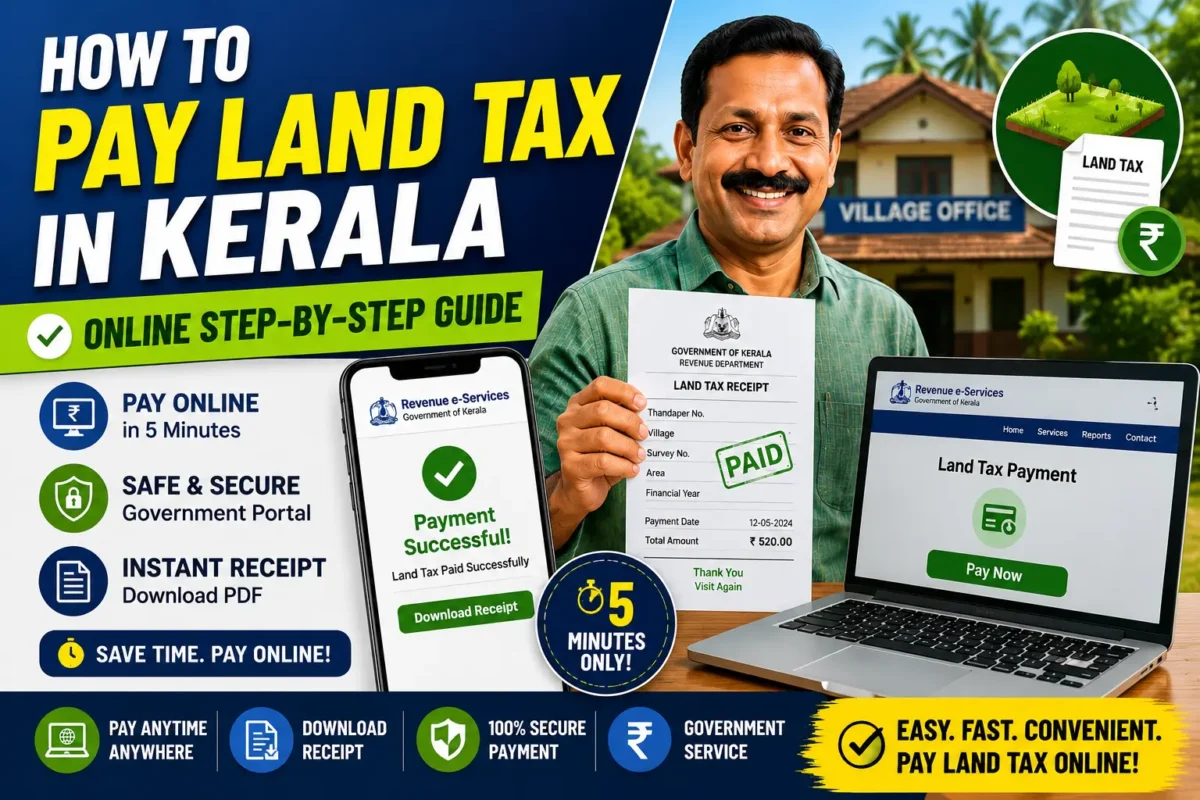
How to Pay Land Tax in Kerala Online :- There was a time when paying land tax meant an entire morning lost — queue at the Village Office, paperwork, more waiting. That’s largely gone now. Between the Revenue Department’s e-Services portal and the Ente Bhoomi portal, most landowners in Kerala can handle the whole thing from their phone.
This guide covers how to pay your land tax (Karom Adakkal) online, grab your receipt, and check your land details without setting foot outside.
What Is Land Tax, Exactly?
It’s the annual tax every landowner in Kerala owes the Revenue Department. Once you’ve paid, you get a receipt — and that receipt matters more than people realize. It comes up constantly: loan applications, property transactions, ownership verification, all sorts of government services ask for it.
What You’ll Need Before You Start
Keep these handy so you’re not hunting for them mid-process:
- Thandaper Number
- District name
- Taluk name
- Village name
- Survey number (if applicable)
- Registered mobile number
- A debit card, credit card, UPI, or net banking access
Paying Land Tax Online — The Process
Step 1: Open the Revenue e-Services Portal
Go to the Kerala Revenue Department’s portal: Revenue e-Services Portal
Step 2: Log In or Register
- Enter your mobile number
- Verify with the OTP sent to you
- New here? Finish the quick registration first
Step 3: Find Land Tax Payment
Once logged in:
- Click “Land Tax Payment”
- Pick your district, taluk, and village
- Fill in the land details asked for
Step 4: Check Your Property Details
The system pulls up:
- Owner name
- Thandaper details
- Land area
- Tax amount due
Take a minute here — go through everything carefully before you pay. Mistakes are easier to fix now than after.
Step 5: Pay
Pick whichever works for you — UPI, debit card, credit card, or net banking — and complete the transaction.
Step 6: Grab Your Receipt
Once the payment goes through:
- Hit “Download Receipt”
- Save the PDF somewhere safe
- Print a copy too, if you’d rather have a physical one on hand
Lost the Receipt? Here’s How to Get It Back
Forgot to download it the first time? No problem:
- Log back into the Revenue Portal
- Head to Payment History
- Find the transaction
- Download the receipt again
Checking Your Land Details Online
Beyond tax payment, Kerala’s Ente Bhoomi portal is worth knowing about — it covers land information lookups, mutation-related services, and other land record facilities, all in one place: Ente Bhoomi Portal
Why Bother Paying Online?
- Skip the Village Office trip entirely
- Works any time, day or night
- Payment confirmation is instant
- Transactions are secure
- Receipts download in seconds
- Faster access to other land-related services down the line
Questions People Usually Ask
Can I actually pay Kerala land tax online?
Yes — the Revenue e-Services platform handles this directly.
Does the online receipt actually count as official?
Yes, it’s a valid government receipt, same as one you’d get in person.
What if I’ve lost my Thandaper Number?
Check an old tax receipt if you have one, or look it up through the government’s land record services.
Will I ever need to visit the Village Office again?
Rarely. Online payment covers most situations. Ownership disputes or correction requests are really the only cases where an in-person visit still applies.
Final Word
Kerala’s move to digital land tax payment has cut out a lot of the hassle that used to come with it. Between the Revenue e-Services portal and Ente Bhoomi, you can pay, download receipts, and manage land records without the back-and-forth. And staying current on your land tax isn’t just convenient — it saves you headaches later when a loan or property sale suddenly needs that paperwork in order.