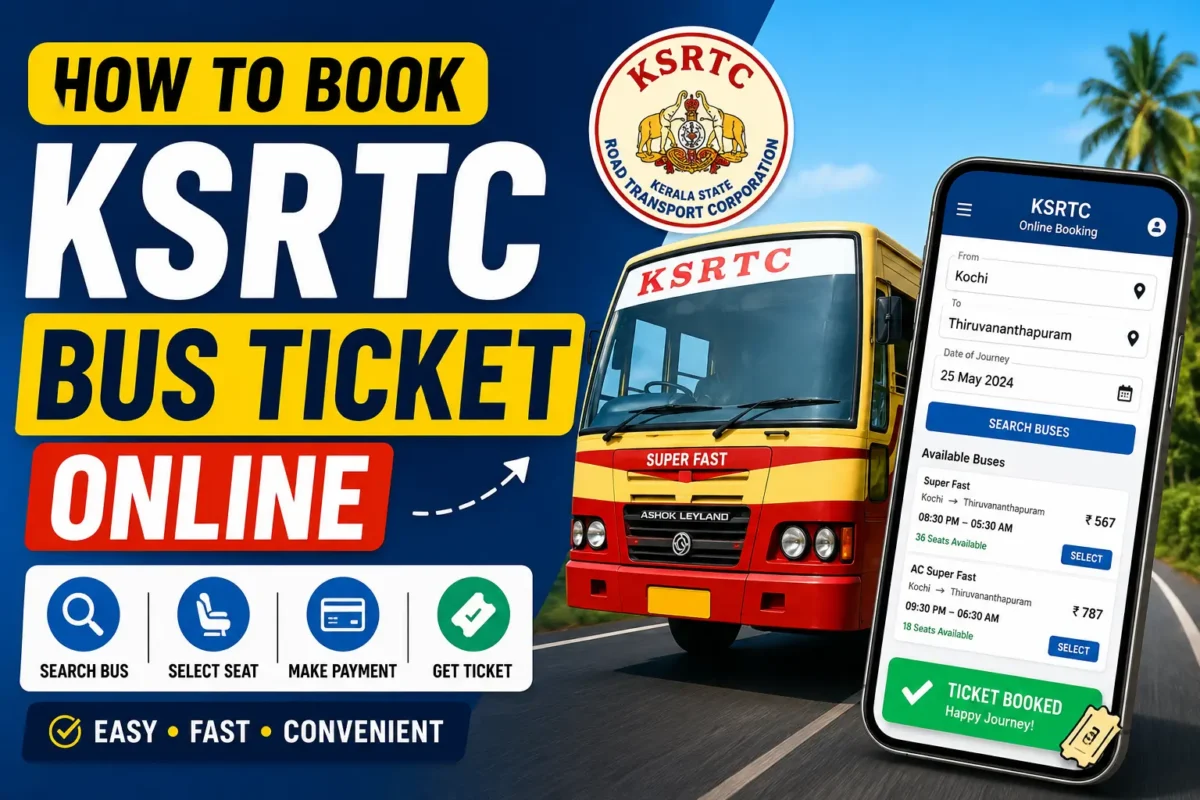
Planning a journey across Kerala or to nearby states? Forget the long queues at bus stations—booking your KSRTC bus ticket online is quick, simple, and gives you full control over seat selection, timings, and fares. Whether it’s for work, a holiday, a pilgrimage, or an urgent trip, online booking makes travel stress-free.
What is KSRTC?
The Kerala State Road Transport Corporation (KSRTC) is Kerala’s government-run bus service. It operates a wide range of buses to suit different needs:
- Ordinary buses
- Fast Passenger
- Super Fast
- Super Deluxe
- AC buses
- Swift buses
- Interstate services
KSRTC connects Kerala with Tamil Nadu, Karnataka, and Andhra Pradesh, making it a reliable choice for regional travel.
Benefits of Online Booking
- No queues at bus stations
- Easy seat selection
- Instant ticket confirmation
- Multiple payment options
- Access to live schedules
- Simple cancellation/rescheduling
- Perfect for last-minute bookings
Step-by-Step Guide
Step 1: Visit the KSRTC Portal
Head to the KSRTC Online Reservation Portal or download the official mobile app (Android/iOS).
Step 2: Enter Travel Details
- Choose From and To locations
- Select your travel date
- Click Search Buses
Step 3: Choose Your Bus
Check bus type, departure/arrival times, fare, and available seats. Pick one that fits your schedule and budget.
Step 4: Select Seats
View the seat layout and pick your preferred spot—window, aisle, or sleeper depending on the bus type.
Step 5: Enter Passenger Details
Fill in name, age, gender, mobile number, and email. Ensure your mobile number is correct for SMS updates.
Step 6: Make Payment
Pay securely via UPI, debit/credit card, net banking, or wallets.
Step 7: Save Your Ticket
Download the e-ticket or keep a screenshot. You can show the digital ticket while boarding.
How to Cancel Tickets
- Log in to the KSRTC portal
- Enter your PNR number
- Select the ticket and click Cancel Refunds depend on KSRTC’s cancellation policy.
KSRTC Mobile App
For faster booking, use the KSRTC Swift App on Google Play or Apple App Store. Features include booking history, cancellations, and mobile-friendly seat selection.
Tips for Smooth Booking
- Book early during holidays/weekends
- Double-check boarding points
- Arrive 15 minutes before departure
- Save ticket screenshots offline
- Use stable internet for payments
Common Issues
- Payment failed but debited → Refunds usually processed in a few days
- Ticket not received → Check SMS, email spam, or booking history
- Website slow → Try the mobile app or book during non-peak hours
Booking KSRTC tickets online is a hassle-free way to travel across Kerala and beyond. With just a few clicks, you can compare fares, select seats, and confirm your journey—all without leaving home. For frequent travelers, the KSRTC mobile app makes the process even smoother.
Happy travels and safe journeys!
KSRTC Online Booking Quick Checklist
- Visit KSRTC Portal or open the KSRTC Swift App
- Enter travel details → From, To, Date
- Choose bus → Type, timing, fare
- Select seat → Window, aisle, sleeper
- Fill passenger info → Name, age, mobile, email
- Make payment → UPI, card, net banking, wallet
- Save ticket → PDF, SMS, screenshot
- Board bus
Cancellation Steps
- Log in → Enter PNR → Select ticket → Cancel
- Refund depends on KSRTC policy timing