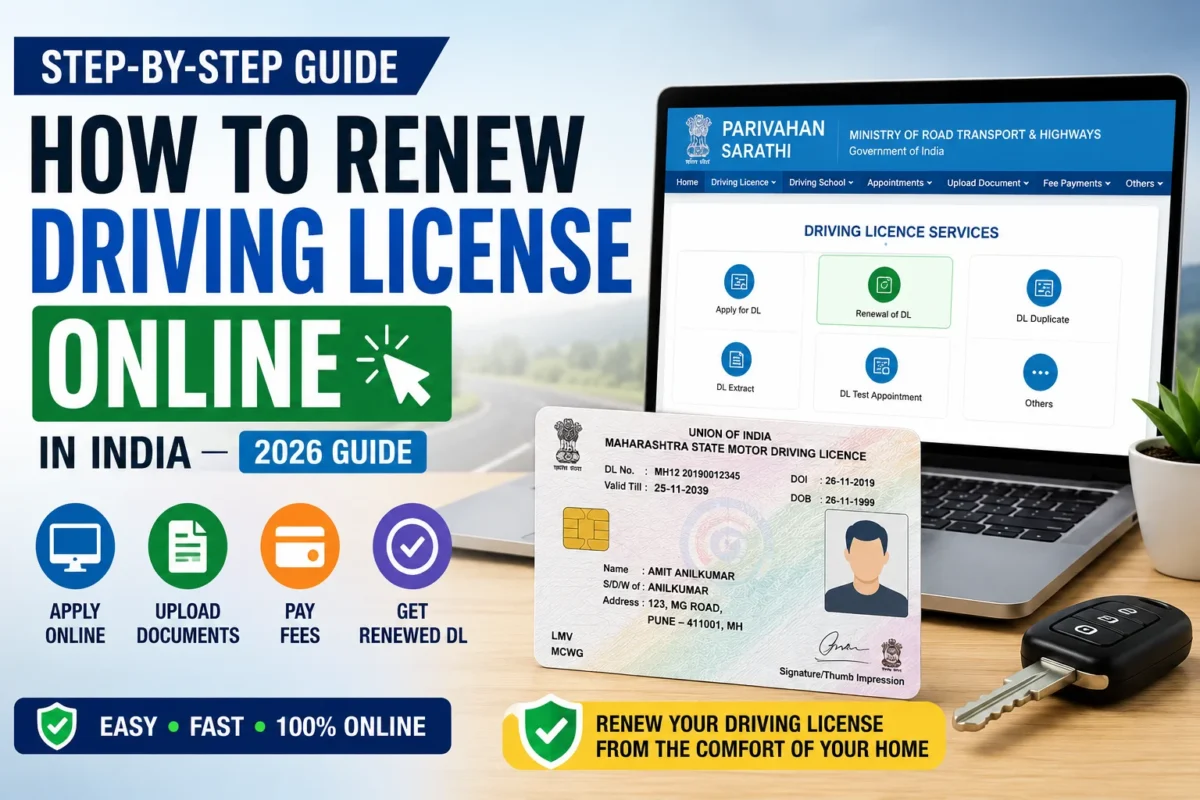
How to Renew Driving License Online in India :- Most people don’t think about their driving license until someone forces them to — a traffic check, a car insurance renewal, or the moment they actually look at the expiry date and realize it , already expired months ago. If you’re in that situation right now, you’re not alone, and the good news is that the renewal process has become significantly more manageable than it used to be.
The Ministry of Road Transport and Highways handles driving license renewals through the Sarathi Parivahan portal, and for most applicants, the majority of the process can be completed online without making multiple trips to the RTO. This guide covers everything — documents, steps, fees, timelines, and what to do if your license has been expired for a while.
When Do You Need to Renew?
Private driving licenses in India are generally valid for 20 years from the date of issue, or until the holder turns 50 — whichever comes first. After 50, renewals are typically for shorter periods, and medical fitness requirements become more stringent as age increases.
Commercial driving licenses (for transport vehicles, taxis, goods carriers) have shorter validity periods and stricter renewal requirements, including mandatory medical fitness certificates.
You should apply for renewal if:
- Your driving license has already expired
- Your license is approaching its expiry date (applying early avoids any gap in validity)
- Your physical license card is damaged but still within its validity period
- You need to update details like address that also require renewal processing
Driving with an expired license is a traffic offense under the Motor Vehicles Act — it can result in fines and, in some cases, more serious legal consequences. If your license has expired, renewal should be a priority rather than something to keep putting off.
How Long Can You Wait After Expiry?
This question comes up constantly, and the answer matters:
- Within 1 year of expiry: Standard renewal process applies — no driving test required in most cases
- More than 1 year after expiry: Some states require a fresh driving test before renewing. Rules vary by state — check the Sarathi portal or your local RTO for the specific requirement in your state
- Very long expiry gaps: Additional requirements may apply, including full re-examination in certain cases
The practical takeaway: don’t wait. The longer you leave it after expiry, the more complicated renewal can become.
Documents Required
Get these ready before you start the online application:
Mandatory for All Applicants
- Original Driving License (current, even if expired)
- Aadhaar Card or other valid identity proof
- Address Proof (Aadhaar serves dual purpose for most)
- Passport-size photograph — recent, clear, plain background
- Digital signature — scanned on white paper
- Form 1 — Self-declaration of physical fitness (available on the Sarathi portal)
Required for Certain Applicants
- Form 1A (Medical Certificate) — required for commercial license holders and applicants above the prescribed age threshold (typically 40+ for commercial, 50+ for private in many states)
- Eye Test Certificate — may be required depending on age and license type
- Date of Birth Proof — if specifically requested by your state’s RTO system
For Commercial License Renewal
- Medical fitness certificate from an authorized doctor is mandatory
- Badge renewal documents (if applicable)
A note on Form 1: this is a self-declaration that you’re physically fit to drive and don’t have any medical condition that would make driving dangerous. It’s straightforward to fill — you download it from the Sarathi portal, complete it, sign it, and upload it as part of your application.
Step-by-Step Online Renewal Process
Step 1: Go to the Sarathi Parivahan Portal
Open sarathi.parivahan.gov.in in your browser. This is the official Ministry of Road Transport and Highways portal for driving license services across India. Type the URL directly — don’t use third-party links or agents’ websites.
Step 2: Select Your State
Choose your home state from the dropdown. The portal is organized by state because RTO rules, fee structures, and specific requirements vary across states. Kerala residents select Kerala.
Step 3: Navigate to Driving Licence Services
On your state’s page, look for “Driving Licence Related Services” and click on it. This opens the range of DL services available online for your state.
Step 4: Enter Your License Details
You’ll be asked to enter:
- Your Driving License Number (the number on your current license)
- Your Date of Birth
The system uses these to pull up your existing license record. If your details don’t match the RTO database — a common issue if your license was issued long ago — you may need to visit the RTO to correct the record before proceeding online.
Step 5: Select “Renewal of Driving Licence”
From the list of available services, select Renewal of DL. This takes you to the renewal-specific application form.
Step 6: Review and Update Personal Information
The portal pre-fills your details from the existing license record. Go through each field and update anything that’s changed — address in particular. If your address has changed since the license was issued, this is the point to update it.
Verify everything carefully. Errors in your address or personal details on the renewed license are annoying to correct after the fact.
Step 7: Upload Documents
Upload clear, readable scans of all required documents:
- Current driving license
- Form 1 (completed and signed)
- Form 1A / Medical Certificate (if required)
- Photograph
- Signature
- Any other documents requested based on your license type and age
Upload quality matters. Blurry or partially visible documents are flagged during processing and cause delays. Scan in good lighting, check that the full document is visible, and verify file sizes are within the portal’s limits before uploading.
Step 8: Pay the Renewal Fee
Proceed to payment once documents are uploaded. Payment methods available:
- UPI
- Debit Card
- Credit Card
- Net Banking
Wait for payment confirmation before closing the browser. Government portal payment failures during network interruptions are a known issue — if the payment seems to go through but you don’t get a confirmation, check your bank statement before attempting to pay again.
Step 9: Book an RTO Appointment (If Required by Your State)
Some states require applicants to visit the RTO for biometric verification or physical document verification, even if the application itself is submitted online. If your state requires this, the portal will prompt you to book a slot.
In Kerala, the requirement for in-person visits has reduced significantly for straightforward renewals, but check the portal for the current requirement at the time you apply.
Step 10: Submit and Save Your Acknowledgement
After completing all steps, submit the application. Download the acknowledgement receipt immediately — it contains your application number for tracking and is your proof that the application was submitted.
After Submission — What Happens Next
Application Processing
Your application moves through RTO processing — document verification, database update, and license generation.
Digital Approval
In many cases, you’ll receive digital confirmation of approval before the physical card is dispatched. This digital approval is sufficient for most practical purposes while you wait for the card.
Physical Card Dispatch
The renewed driving license card is printed and dispatched by post to your registered address. Keep your address details current — a card sent to an old address is a common and avoidable problem.
Tracking
Use your application number on the Sarathi portal to track your application status through each stage.
Driving License Renewal Fees
Fees vary by state, license type, and whether you’re renewing before or after expiry. The general structure:
| Scenario | Fee Structure |
|---|---|
| Renewal before expiry | Standard renewal fee |
| Renewal within grace period after expiry | Standard fee + may vary |
| Renewal after extended expiry | Standard fee + late fee (state-specific) |
| Commercial license renewal | Higher fee than private |
| Additional vehicle class addition | Additional fee per class |
Check the current fee for your state on the Sarathi portal before applying — fees are occasionally revised and the portal always has the current figures.
Processing Time — What to Expect
| Stage | Typical Timeline |
|---|---|
| Online application to digital approval | 3–7 working days (straightforward cases) |
| Physical card printing and dispatch | 7–15 working days after approval |
| Total from application to card receipt | 10–30 working days depending on state |
These are typical timelines. High-volume periods — around financial year end, for instance — can extend processing. Apply well before you urgently need the renewed card.
Renewing a Commercial Driving License — Additional Requirements
Commercial license renewal is more involved than private license renewal. Key differences:
Medical Certificate is Mandatory
All commercial license renewals require a medical fitness certificate from an authorized doctor. The certificate confirms you’re physically fit to drive a transport vehicle.
Shorter Renewal Periods
Commercial licenses are renewed for shorter periods than private licenses — typically 3 years, subject to state rules.
Badge Renewal
In some states, commercial drivers also need to renew their transport badge alongside the license.
Driving Test After Long Expiry
Commercial license holders whose license has been expired for an extended period may face stricter re-examination requirements.
If you hold a commercial license, the safest approach is to start the renewal process at least 30–60 days before expiry to account for the additional requirements.
Renewing Through DigiLocker and mParivahan
While the Sarathi portal is the primary application route, it’s worth knowing that your renewed driving license will eventually be available in DigiLocker and mParivahan once processed — just as your current one should be.
If you haven’t already set up DigiLocker or mParivahan with your driving license, do this alongside your renewal. Having your DL available digitally means you’re covered even if you forget the physical card.
What If You’ve Moved to a Different State?
If you’ve relocated from another state and your driving license was issued by a different state’s RTO, you have two options:
Option 1: Renew through the original state’s RTO
Apply through the Sarathi portal selecting your original state. The renewal is processed by the original issuing RTO.
Option 2: Transfer and renew in your current state
Transfer your license to your current state’s RTO first, then renew. This involves an additional step but results in a license issued by your current state’s RTO.
For Kerala residents who moved from other states, consulting the local Kerala RTO about the most straightforward approach is worth doing before starting the online process.
Common Mistakes That Cause Delays
Uploading blurry or cropped documents
The most common delay cause. Scan clearly, check the image before uploading, and verify the full document is visible.
Wrong driving license number
One digit off and the system can’t find your record. Double-check against your physical license before entering.
Incorrect date of birth
The portal uses this to pull up your record — a mismatch means it won’t find your license. Verify before entering.
Expired medical certificate
Medical certificates have validity periods. An expired certificate submitted with your application causes rejection. Check the date before uploading.
Missing Form 1
This self-declaration of fitness is mandatory and easy to overlook. Download it from the portal, complete it, and upload it along with your other documents.
Not downloading the acknowledgement
Without the acknowledgement number, you can’t track your application or follow up effectively. Download it immediately after submission.
Waiting until the license has been expired for a long time
As noted above, longer expiry gaps can trigger additional requirements including driving tests. Early renewal is always better.
Frequently Asked Questions
Can I renew my driving license before it expires?
Yes — and this is the recommended approach. You can apply up to a year before expiry in most states. Renewing early means no gap in validity and no risk of being caught driving with an expired license.
Is a medical certificate required for everyone?
No. Medical certificates (Form 1A) are required for commercial license holders and for private license holders above a certain age threshold — typically around 40 for commercial and 50+ for private, though this varies by state. The Sarathi portal will indicate whether it’s required for your specific application.
Can I complete the entire process without visiting the RTO?
For most private license renewals in most states, yes — the process is primarily online. Some states still require an in-person visit for biometric or document verification. The portal will tell you whether an appointment is required for your state and license type.
My address has changed since my license was issued — do I need to update it during renewal?
Yes. The renewal process allows you to update your address. Make sure the address you enter matches your current address proof document — the renewed card will be posted to this address.
What if I lost my original driving license?
If you’ve lost the physical card, you’ll need to apply for a duplicate DL first, or the renewal may require additional steps. The Sarathi portal has a “Duplicate DL” service. Alternatively, your digital DL in DigiLocker or mParivahan can serve as evidence of the license while you process the duplicate.
Does the renewed license have the same number?
Yes. Your driving license number stays the same after renewal — only the validity dates change.
Can I add a new vehicle class during renewal?
Yes. If you want to add a new vehicle category — for example, adding a commercial vehicle class to an existing private license — this can be done alongside the renewal, though it may require additional tests depending on the class.
What is the grace period after license expiry?
Most states allow renewal within 30 days after expiry without additional penalties. Beyond this, late fees apply. Beyond one year, additional requirements like driving tests may kick in. Rules vary by state — check the Sarathi portal for your state’s specific grace period rules.
Is the digital acknowledgement valid to drive while waiting for the renewed card?
This is a grey area. The acknowledgement receipt shows your renewal application is in process, which may be accepted by traffic authorities as evidence of renewal in some situations. However, it’s not a substitute for the actual license. If you need to drive during the processing period, carrying your old expired license along with the acknowledgement is the common approach — though technically driving with an expired license isn’t permitted even with an application in process.
Can someone apply on my behalf?
Generally, the applicant needs to complete the online process themselves, particularly the Aadhaar-based verification steps. A trusted family member can help navigate the portal, but the OTP verification steps require your registered mobile number.
Tips for a Smooth Renewal
Apply early — at least 30 days before expiry. This gives you buffer time if documents need to be corrected or if processing takes longer than expected. Don’t cut it close.
Check your Sarathi portal record before applying. Log in and verify that your existing details are correct — name, date of birth, address. Discrepancies between your portal record and your Aadhaar cause application failures that require RTO intervention.
Use a stable internet connection for payment. Government payment gateways are susceptible to session timeouts on slow connections. Use Wi-Fi for the payment step.
Keep your acknowledgement number accessible. Save it in your phone’s notes, email it to yourself, and write it down somewhere. You’ll need it for every status check and any follow-up.
Check the portal for state-specific requirements. The process described here covers the general national framework — specific states have variations. The Sarathi portal for your state is the authoritative source for your specific requirements.
Bottom Line
Renewing your driving license online is genuinely manageable now — the Sarathi portal handles most of it without requiring multiple RTO visits. The process takes under 30 minutes to submit if your documents are ready, and processing typically completes within two to four weeks.
The only real mistake is leaving it too long after expiry. The longer you wait, the more complicated renewal can become — and driving with an expired license in the meantime is both illegal and risky.
Get your documents ready, apply through the official Sarathi portal, download your acknowledgement, and track your status online. That’s really all there is to it.
For Kerala residents, the portal is at sarathi.parivahan.gov.in — select Kerala, follow the steps above, and your renewal application can be done before your next cup of chai goes cold.