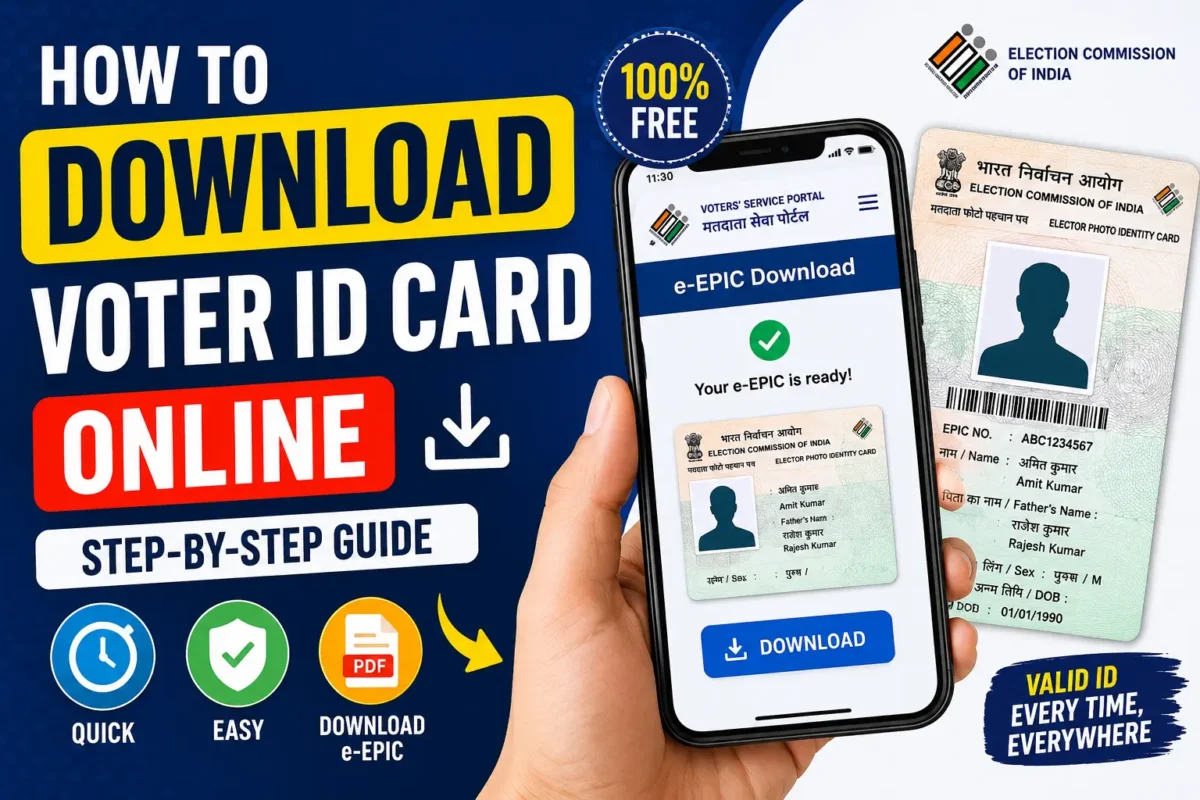
How to Download Your Voter ID Card Online in India:- Officially called the EPIC (Elector’s Photo Identity Card) — is one of the most important documents for Indian citizens. It not only proves your identity but also gives you the right to vote. The good news is that you no longer need to wait for a physical card to arrive. The Election Commission of India now lets you download a digital version of your Voter ID in just a few minutes.
This guide walks you through the process step by step.
What is an e‑EPIC?
The e‑EPIC is a secure, digital copy of your Voter ID Card issued by the Election Commission of India. You can store it on your phone, computer, or even in cloud storage, and use it whenever needed.
What You’ll Need
Before you start, make sure you have:
- EPIC Number (your Voter ID number)
- Access to your registered mobile number
- A stable internet connection
- A smartphone or computer
Steps to Download Your Voter ID Online
- Visit the Voter Services Portal Go to the official Election Commission of India website.
- Login or Register
- If you already have an account, log in with your credentials.
- New users can sign up using their mobile number and email.
- Select e‑EPIC Download Once logged in, look for the “e‑EPIC Download” option on the dashboard.
- Enter Your EPIC Number Provide your Voter ID number or the reference number from your recent application.
- Verify with OTP An OTP will be sent to your registered mobile number. Enter it to confirm your identity.
- Download Your e‑EPIC After verification, click “Download.” Your digital Voter ID will be saved as a PDF file.
Finding Your EPIC Number
If you don’t know your EPIC number:
- Visit the Electoral Search Portal
- Search using your name, date of birth, district, or mobile number
- Locate your voter record
- Note down the EPIC number and continue with the download
Download via Mobile App
You can also use the Voter Helpline App to get your e‑EPIC:
- Install the app from the Play Store or App Store
- Register or log in
- Search for your voter details
- Select “e‑EPIC Download”
- Verify with OTP
- Save the PDF to your phone
Benefits of e‑EPIC
- Instant access to your Voter ID
- Secure and easy to store
- Handy if your physical card is lost
- Accepted as a valid identity document
FAQs
- Is e‑EPIC legally valid? Yes, it is recognized by the Election Commission of India.
- Can I download without a registered mobile number? No, OTP verification is required. If your mobile isn’t linked, update your voter records first.
- Is there a fee? No, downloading e‑EPIC is completely free.
Conclusion
Downloading your Voter ID Card online is quick, simple, and free. Whether you need it for voting or as proof of identity, the e‑EPIC service makes life easier. Keep a copy saved on your phone so it’s always ready when you need it.